Xteink Pogo Pins vs USB-C: What's on the X3, X4, and X4 Pro
USB-C is the plug, USB 3 is a data standard, and pogo pins are the magnetic contacts on Xteink X3 and X4 Pro. The original X4's USB-C was not USB 3 file transfer.
The useful distinction is simple: USB-C is the shape of a connector, USB 3 is a data standard, and pogo pins are magnetic contacts. On Xteink readers, those names point to different hardware. The original X4 had USB-C on its body. The X3 and X4 Pro have pogo pins on their bodies instead.
That distinction explains a lot of crossed wires. A USB-C port does not promise USB 3 speeds or a book drive, and a pogo connection does not mean the reader has a USB-C socket. For the practical routes for getting books onto a reader, use the Xteink book-transfer guide.
What’s the difference between USB-C, USB 3, and pogo pins?
USB-C names a connector system for plugs, receptacles, and cables. It does not name a data rate such as USB 3. USB 3 names data standards, while pogo pins describe the magnetic contacts that touch the reader. USB-IF’s Type-C specification makes the connector-versus-data distinction clear.
Three different things
USB-C Connector
The plug and receptacle shape. It does not, by itself, promise a speed or a storage mode.
USB 3 Data standard
A family of higher-speed USB data standards. It is not the name of a plug.
Pogo pins X3 and X4 Pro
Magnetic contacts on the back of the reader. They are not a USB-C receptacle on the body.
The practical rule is: identify the connector first, then check what that specific device can do over it. “USB-C” alone does not answer the file-transfer question.
Which of the X3, X4, and X4 Pro have USB-C and which have pogo pins?
The original Xteink X4 had a body-mounted USB-C charging connection. The Xteink X3 lists its port as Magnetic Pogo Pin, while the Xteink X4 Pro lists Pogo Pin.
- Original X4: USB-C on the reader body.
- X3: magnetic pogo pins on the reader body, with a magnetic cable in the box.
- X4 Pro: pogo pins on the reader body, with a magnetic adapter in the box and no charging cable.
If the body-mounted USB-C jack is the deciding factor, read the original-X4 discontinuation guide before treating the X3 or X4 Pro as a like-for-like replacement.
Was the original Xteink X4 USB-C port USB 3 file transfer?
No. For copying books, the original X4’s USB-C connection was for charging, not a USB 3 mass-storage connection that mounted the reader as a drive. The ESP32-C3’s USB controller supports USB 2.0 full-speed device operation, not USB 3 SuperSpeed. A CrossPoint maintainer also says the chip in the X3 and original X4 does not support USB gadget mode, the mechanism a reader would need to present itself as a file-transfer device.
An unlocked original X4 can expose Serial/JTAG for firmware work. That controller is fixed to serial and JTAG debugging, which is neither book storage nor USB 3.
USB-C did not mean book transfer
The original X4’s USB-C socket looked familiar, but it did not turn the reader into a drag-and-drop book drive. Use the book-transfer guide for the routes that actually move files.
Can the X4 Pro copy books through its pogo adapter?
Yes, on stock Xteink firmware. Xteink’s X4 Pro FAQ says to connect a USB cable, choose USB Mode from the Home-screen menu, then copy the book after the X4 Pro appears on the computer. Because the X4 Pro body has pogo pins, that route uses its magnetic adapter and a cable.
That documented USB Mode is not a promise of USB 3 SuperSpeed. It also does not prove the same option exists on the X3 or in CrossPoint. For microSD, Wi-Fi, app, and other transfer routes, go to the Xteink book-transfer guide.
How do I charge the Xteink X3 and X4 Pro?
The Xteink X3 uses the magnetic pogo-pin cable included in its box. The Xteink X4 Pro uses its included magnetic adapter, then a USB-C charging cable plugged into that adapter. Neither reader accepts a USB-C cable directly into a socket on the reader body.
- For an X3: seat the supplied magnetic cable on the rear contacts, then connect its other end to a suitable charger. Xteink says to use a locally certified charger and keep conductive objects away from the pins.
- For an X4 Pro: seat the supplied magnetic adapter on the rear contacts, then attach your USB-C cable to the adapter. Xteink says the Pro box includes the adapter, not a charging cable.
If you lose the magnetic piece, an ordinary USB-C lead alone will not connect to either reader. The accessories guide is the right place to compare replacement and third-party charging options by model.
Should pogo pins stop me buying an X3 or X4 Pro?
Only if a body-mounted USB-C socket is a hard requirement for your routine. Pogo charging does not make the reader USB 3, and USB-C on the original X4 did not make it a book drive. The tradeoff is simpler: the X3 and X4 Pro ask you to keep a magnetic cable or adapter with the reader.
If that extra piece would irritate you on every trip, it is a good reason to prefer an original X4 you already own or to shop outside these three models. If it is merely a spare to keep in a bag, weigh it against the rest of the devices instead. The X3 versus X4 guide and X4 Pro versus X4 guide cover that buying choice without turning connector names into a proxy for every feature.
What else do readers ask about Xteink pogo pins and USB-C?
Is USB-C the same as USB 3?
No. USB-C names the connector; USB 3 names a data standard. A USB-C port can support different data modes, so the connector shape alone does not tell you the transfer speed or whether a device will mount as storage.
Does the Xteink X3 have USB-C?
No. The Xteink X3 lists Magnetic Pogo Pin as its port and includes a magnetic charging cable.
Does the Xteink X4 Pro have USB-C on the reader?
No. The Xteink X4 Pro lists Pogo Pin as its port. Its box includes a magnetic adapter but no charging cable.
Can I copy books through the original X4 USB-C port?
No. The original X4 does not present as a USB book drive. Use microSD or a wireless route from the book-transfer guide.
Does the X4 Pro's USB Mode mean it has USB 3?
No. Xteink documents a stock-firmware USB Mode for copying files, but it does not identify that workflow as USB 3 SuperSpeed.
Can I use any pogo-to-USB-C adapter?
Do not assume that a generic magnetic puck will fit or work. Use an adapter listed for the X3 or X4 Pro, then check the compatible model before ordering.
Where can I check the underlying sources?
Keep reading
Guides that pick up where this one leaves off.
Xteink X4 Discontinued: What to Buy Now (X3 vs X4 Pro)
The original Xteink X4 is discontinued. Buy the $69 X3 for buttons or the $99 X4 Pro for a front light. Do not wait for the S4 unless you will import from China.
Xteink X4 Pro vs X4: Upgrade or Stick?
Already own the Xteink X4? The Pro trades USB-C and the bottom buttons for a front light and touch. Night readers upgrade. Button purists keep the X4.
Official Xteink
The X3 is the one you can buy today
15case is 15% off plus a free case. X4 Pro restocks in waves.
-
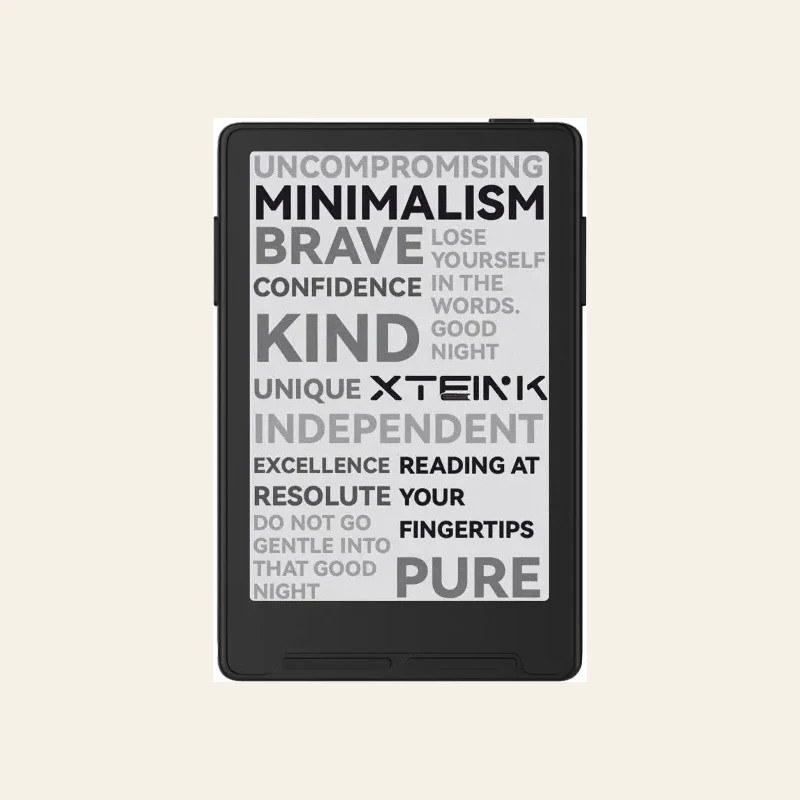 Buy the X3
Xteink X3
In stock$79$69 -
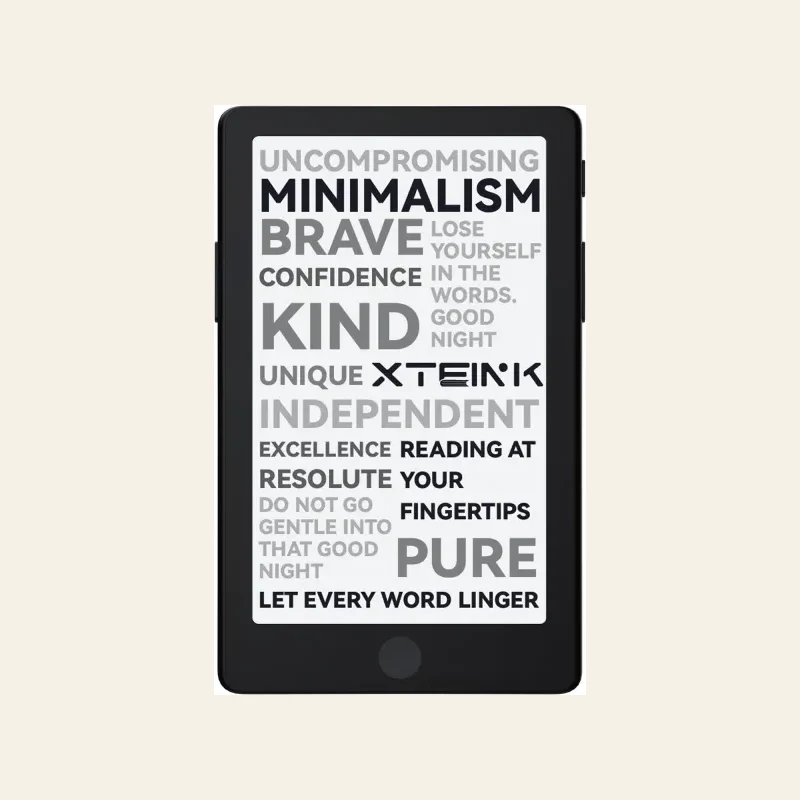 Check X4 Pro stock
Xteink X4 Pro
Front light$109$99
Compare the lineup on the device hub .