Free screensaver maker
Make a Kindle screensaver from any photo
Pick your Kindle, crop, dither for e-ink, download a PNG. Same tool for Kobo, Boox and reMarkable. Nothing leaves this browser.
- Free, no account
- Runs in your browser
- Nothing uploads
- Kindle · Kobo · Boox · reMarkable
How it works
- Pick your reader Kindle, Kobo, Boox or reMarkable. The PNG matches that panel.
- Crop & adjust Set the fit, then tune it for e-ink.
- Download & apply Save the PNG and follow the install steps for your brand.
File saved
A pocket reader with no lock-screen ads
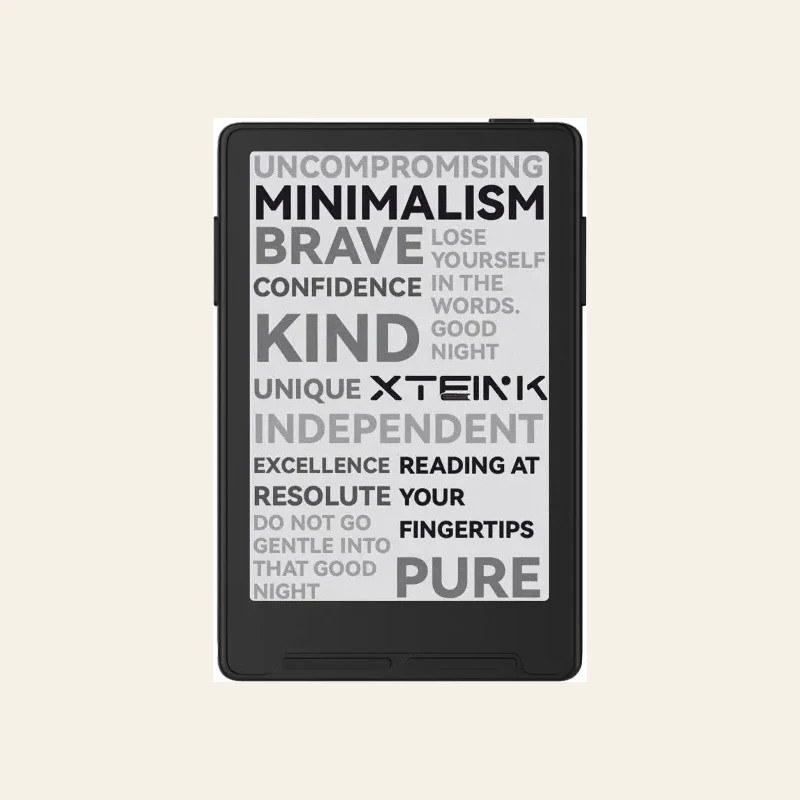
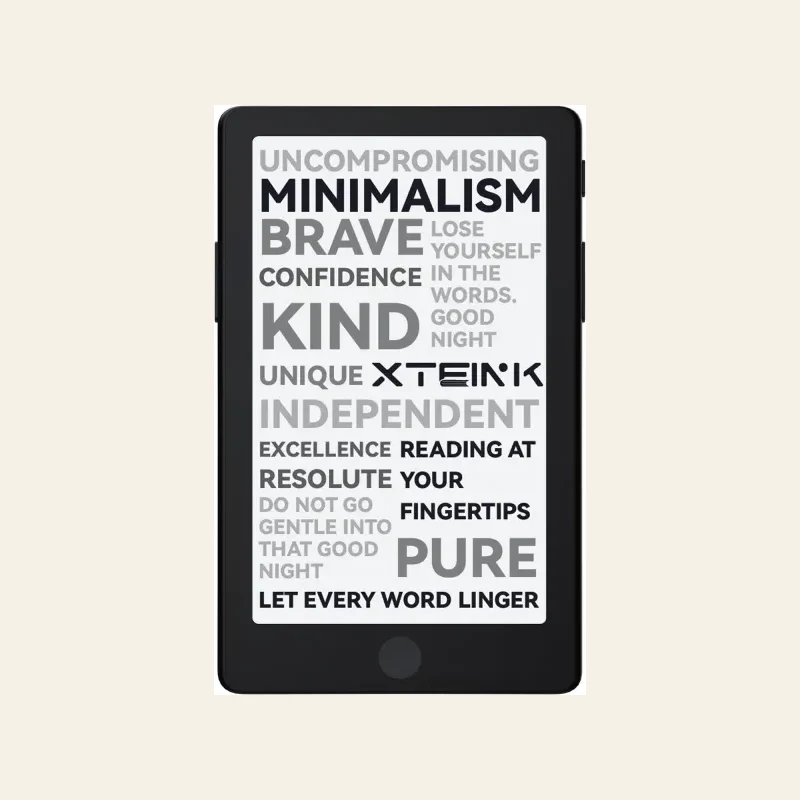
The X3 is $69 and in stock. XTEINK10% takes 10% off. The X4 Pro ($99) adds a front light.
Pocket alternative
A $69 reader with no lock-screen ads
Kindle lock screens still carry ads unless you pay Amazon to drop them. XTEINK10% takes 10% off the X3.
-
 Buy the X3
Xteink X3
In stock$79$69 -
 Check X4 Pro stock
Xteink X4 Pro
Front light$109$99
See the compact e-reader lineup or the X4 vs Paperwhite guide.
Put it on the reader
The file above is already the right size and dithered. Each brand installs it differently.
Kindle
Kindle has no built-in image picker. Turn off lock-screen ads (Amazon's "Special Offers"), then use a workaround or a jailbreak to point the sleep screen at your PNG. The image has to be the exact panel size and dithered. The maker above already exports that file.
Kobo
Kobo can show a custom image while asleep. Turn the option on in power or energy-saving settings, then drop your PNG into the sleep-screen folder Kobo reads. The on-device setting names the folder. It varies by model.
Boox
Boox has a built-in screensaver setting. Open system settings, find screensaver or standby screen, and point it at your image or its folder. A grayscale PNG installs on colour Kaleido models too.
reMarkable
reMarkable uses a suspend screen you can replace in settings, or with a community tool on some software versions. Export at the tablet's exact resolution first so it isn't stretched.
Kindle screensaver FAQ
Panel sizes, dithering, and how each brand installs the file.
How do I make a custom screensaver for my Kindle?
Can I use this for a Kobo, Boox or reMarkable too?
What size should a Kindle screensaver be?
Why do my screensavers look grainy or banded on the e-ink screen?
Does dithering matter on a 16-level Kindle or a colour Kaleido reader?
What kind of image makes the best e-ink screensaver?
Does this upload my photos anywhere?
I have an Xteink X4 or X3, not a Kindle. Is there a tool for that?
Got an Xteink instead?
Xteink X4 & X3 wallpaper maker
Xteink wants a 24-bit BMP, not a PNG. That maker exports the BMP and has the CrossPoint and stock install steps.
Open the Xteink wallpaper maker