 X3 · X4
 Official
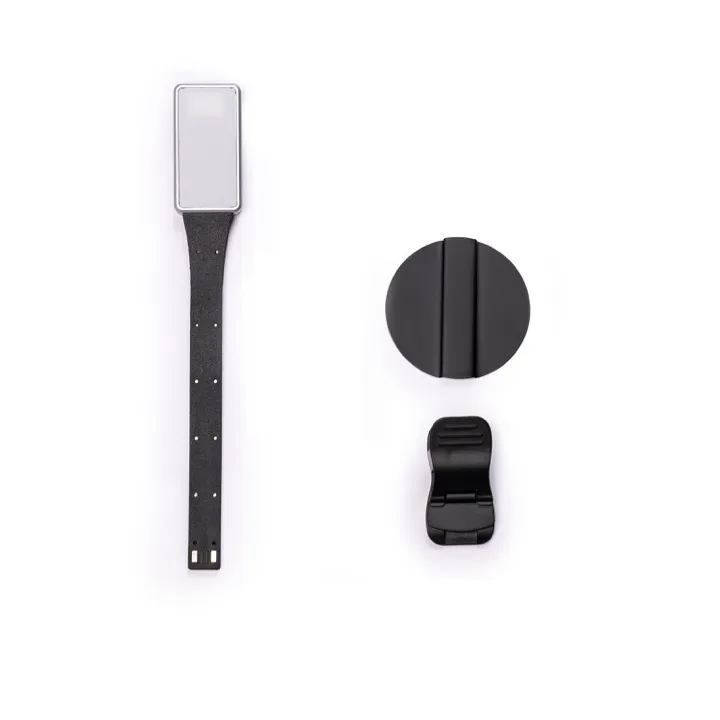
eReader Magnetic Reading Light
Neither model has a built-in frontlight. This snaps to the back magnet — no clip touches the screen.
from $9.99
Essentials
The X4 and X3 ship without a case and — critically — without any frontlight. Here are the seven things to buy, in order.
Reading light — buy this first
X3 · X4 Neither model has a built-in frontlight. This snaps to the back magnet — no clip touches the screen.
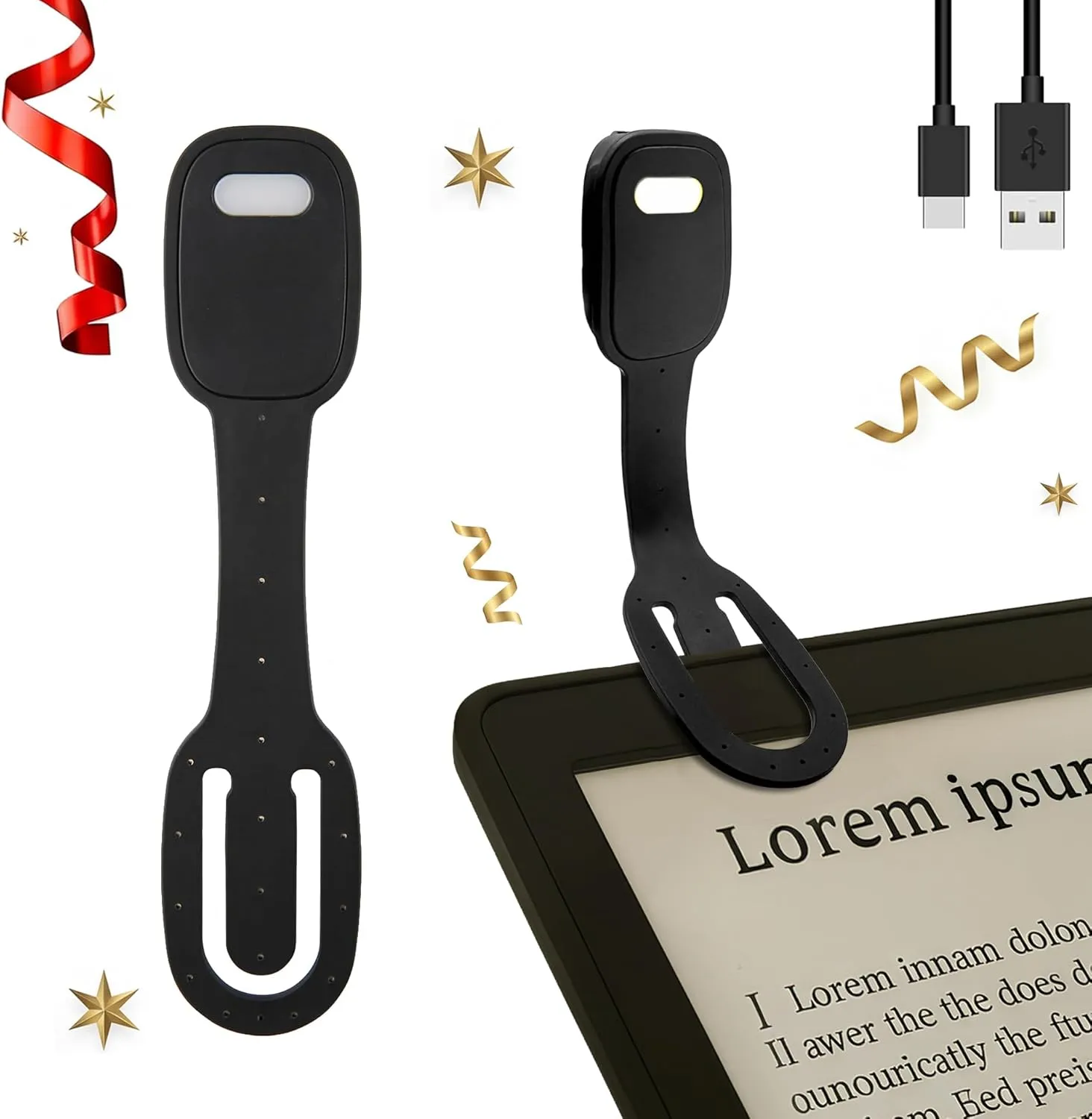
Amazon alternative light
 X3 · X4
 If the official light is out of stock — clips over the spine (not the screen), three colour temps, USB-C, up to 40 h runtime.
Caution: Clip over the spine or cover edge only. Never grip the bare screen bezel — the pressure can crack the e-ink panel.
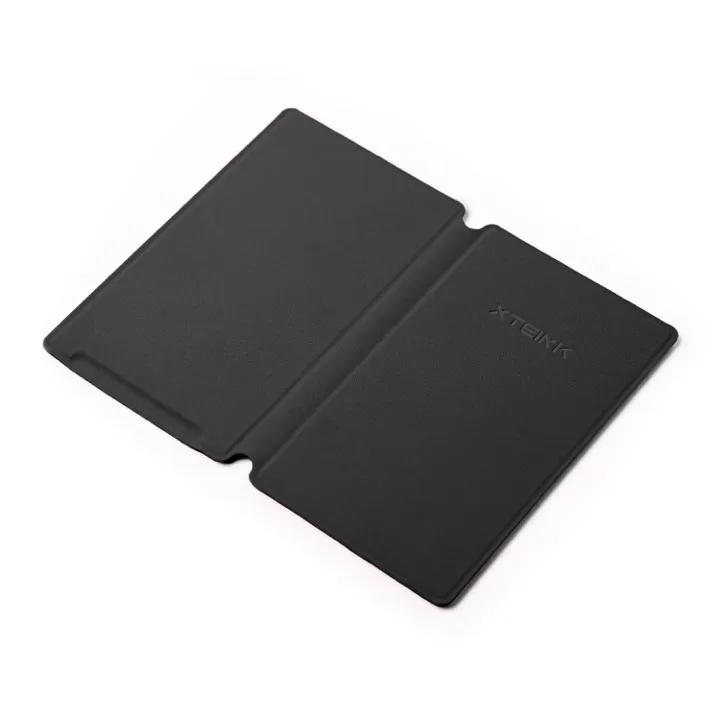
Case — X4
 X4
X4 Ultra-light back-snap case in 6 colours. Keeps the back magnet fully exposed for phone-back mounting.
Caution: Fits the X4 only — not the X4 Pro. The Pro is 3 mm shorter, drops the bottom-button cutout and relocates the back magnet, so X4 cases do not fit it.
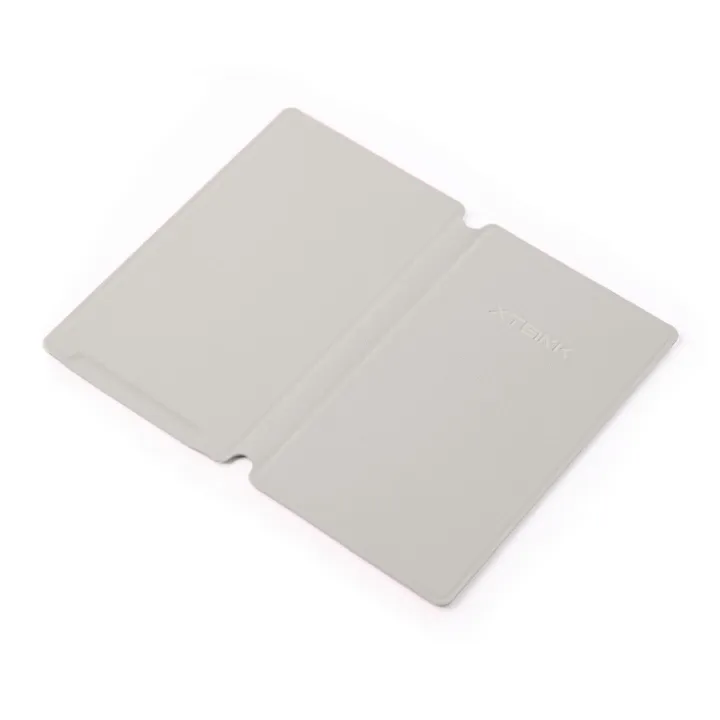
Case — X3
 X3
X3 Screen protector
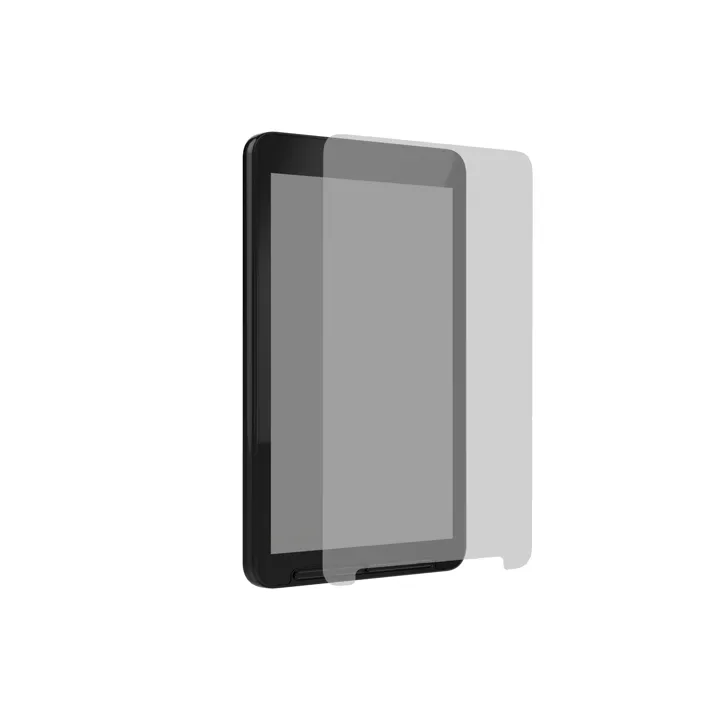 X4
X4 Matte film cuts glare and adds a paper feel for stylus writing. Pre-applied on new X4s — buy a replacement when yours wears out.
Magnetic stick-on ring
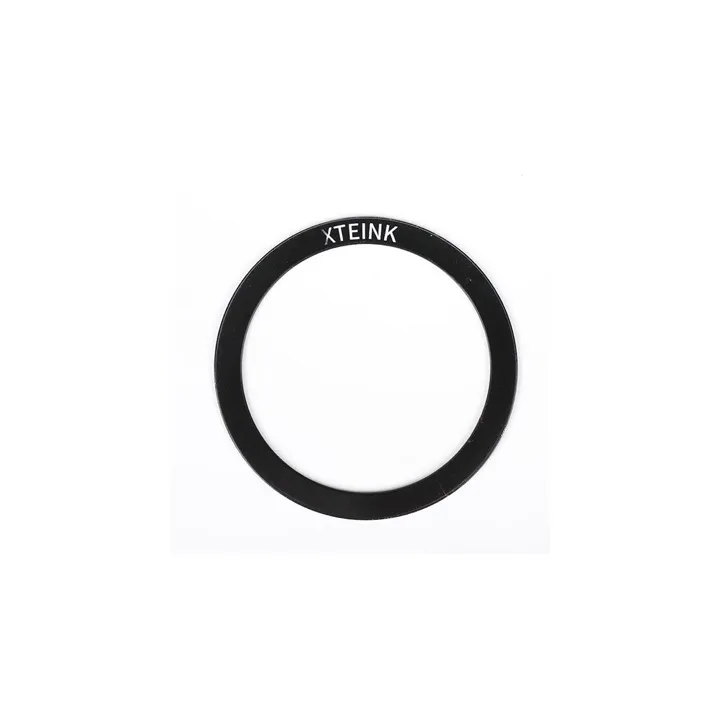 X3 · X4
 Adds MagSafe-style phone-back carry to any phone case. Skip if your phone already has MagSafe.
Charging cable — X3 onlyX3 only
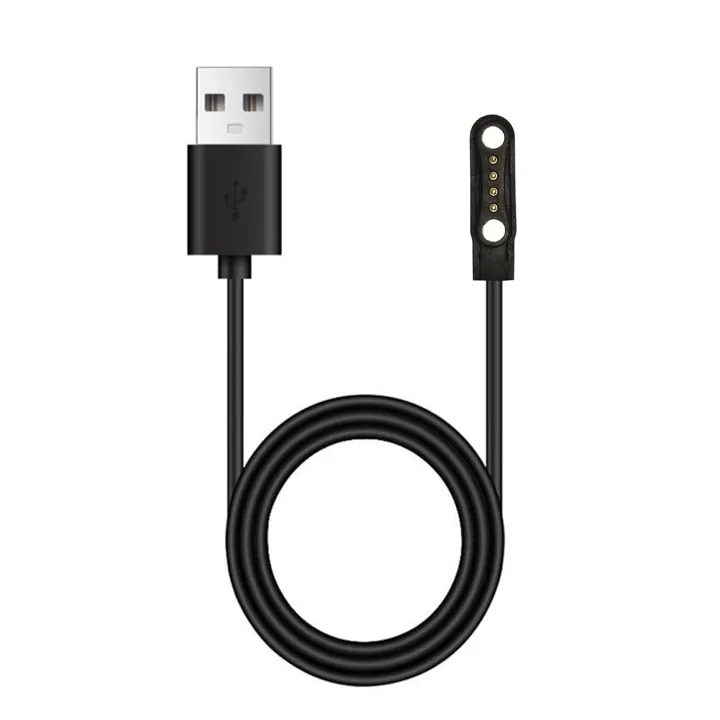 X3 · X4 Pro
 The X3 uses a proprietary pogo-pin cable. Order a spare immediately — lose this and the device won’t charge.