Main
CrossPoint Reader
v1.3.0 · ~5.4k★ · MITThe main community firmware
Best for: Almost everyone. If you are not sure what to flash, flash this.
What it adds
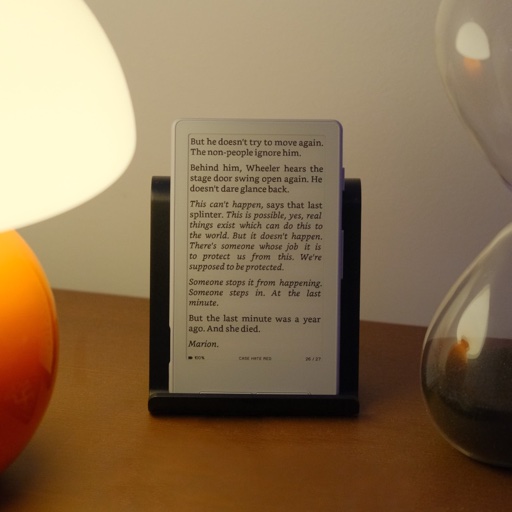
- A real EPUB 2/3 engine: justification, hyphenation, footnotes, images, bookmarks, go-to-percent.
- Wireless book transfer (web upload UI, WebDAV, OPDS, Calibre wireless) plus KOReader progress sync.
- Custom fonts, themes (Classic, Lyra, Lyra Extended, RoundedRaff), Focus Reading, RTL, 24+ UI languages.
- On-device OTA + SD-card updates. Tilt-to-turn pages is an X3-only bonus (gyroscope).
How to install
Recommended · via web flasher- 1
Connect the X3/X4 by USB-C and wake it (a sleeping device won’t appear as a serial port).
- 2
In Chrome or Edge, open crosspointreader.com/#flash-tools.
- 3
Pick your model (X4 480×800 or X3 528×792) and choose the official CrossPoint release.
- 4
Flash, pick the device in the serial-port prompt, and wait ~1–2 min. Coming from stock you may need to flash twice.
- 5
When it finishes: press Reset, then hold Power 3–5s to boot. A blank screen here is almost always the missing reboot, not a brick.
Locked devices & CrossPoint Reader
One of the two firmwares the OTA Unlocker officially supports (with CrossInk), so it is the safe choice for a locked unit. Locked X3: flash directly via the SD-card method (update.bin + left button + power) or the OTA Unlocker. Locked X4: use the OTA Unlocker to get CrossPoint on — the X3 SD button combo does not engage from stock on the X4 — then its in-app SD update handles future updates. Neither path re-enables USB.
Not sure if your unit is locked? Read the locked-device safety brief, or the full locked vs unlocked buying guide.
How to go back
For CrossPoint Reader: Re-flash stock from the same web flasher, or restore a full-flash backup. Bootloop after a flash? Press Reset, then hold Back + Power to reach the home screen. Crashy? Delete the .crosspoint folder on the SD card.
- 1Re-flash stock — the same web flasher offers official Xteink firmware.
- 2Restore a backup — “Write full flash from file” if you saved one first.
- 3Swap boot partition — a quick rollback at xteink.dve.al/debug.
On a locked unit you lose the USB safety net — that’s why locked devices stick to CrossPoint/CrossInk.
Heads-up: Locked retail (AliExpress) units need the OTA Unlocker (X4) or SD-card route (X3) — see the locked-device section. No PDF rendering by design (convert with an .xtc tool).
New to flashing? The mechanics are the same across forks. See the five flashing methods on the directory, or the step-by-step flash CrossPoint without panicking guide.
CrossInk
Typography + reading stats fork
Reading stats, Bionic Reading, glyph fixes
Full guidePapyrix
More formats, one binary for both devices
FB2 / Markdown / HTML, multi-script
Full guideCrossPet
Gamified reading + Vietnamese
Vietnamese UI + gamified virtual pet & games
Full guideMicroreader
Deliberately minimal, EPUB-only
Minimal, distraction-free EPUB-only
Full guideAvesO3
For AO3 fanfiction readers
AO3 fanfiction workflow
Full guideSUMI
Offline apps, dictionary & Lua plugins
Offline apps, dictionary, Lua plugins, emulator
Full guideCrossPoint Reader details verified June 24, 2026 against its GitHub repo, README and releases. PocketInk is independent and not affiliated with Xteink. Firmware names and versions change quickly — check the repo for the latest.